
Value Charts Solutions
Map the work. Make the next step clear.
Turn a process people explain differently into a diagram the team can review together. Map a purchase approval, plan a project, or sketch a software system. Start with a prompt, a template, or a blank canvas.

AI does the first draft
Describe the process you know and AI draws an editable first draft. Check whether the decisions and handoffs match the real work, then refine it with the canvas and shape libraries.
What you can do
Start with the job in front of you
Choose a diagram that makes a real task easier to explain, plan, or review.

Collect ideas
Put related ideas on a mind map before deciding which ones deserve a place in the plan.

Review as a team
Share a diagram for review. Keep questions about a handoff or decision beside the work itself.
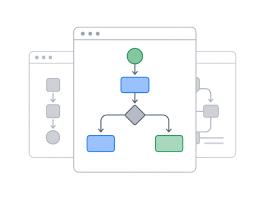
Document a process
Show who owns each step, where decisions happen, and what moves the work forward.

Explore a problem
Break a broad question into themes, causes, or options your team can discuss.
Why Value Charts?
Put the discussion beside the process
Review a diagram with the people who know the work, and keep their feedback close to the steps being discussed.
Templates
Choose a useful starting point
Templates give you a structure to edit. Confirm that it fits your process before treating it as the way work happens.
Improve a process
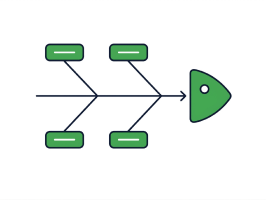
Fishbone Diagram
Root-cause analysis with Ishikawa diagrams.
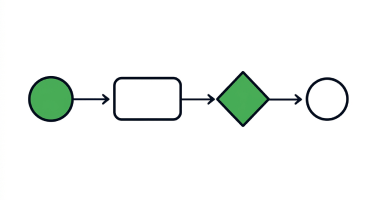
Process Flowcharts
Classic step-by-step process documentation.
Plan the work
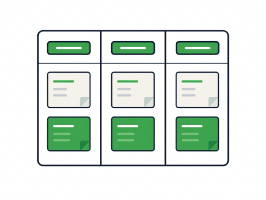
Agile Boards
Sprints, kanban flows, and retrospectives.
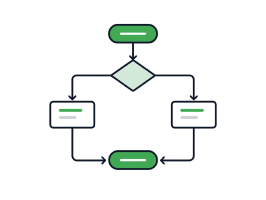
Planning Flowcharts
Timelines, cycles, arrows, and Venn diagrams.
Design a system
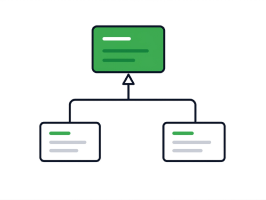
UML Diagrams
Class, sequence, and activity diagrams.

Mock Ups
Screens and interfaces before you build them.

Cloud Management
Cloud architecture and service diagrams.
Mockup Libraries
Shapes for business and technical diagrams
Business
Value Stream Mapping, ArchiMate, BPMN 2.0.
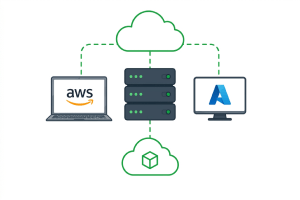
Networking
AWS 3D, AWS 17, Allied Telesis and more.
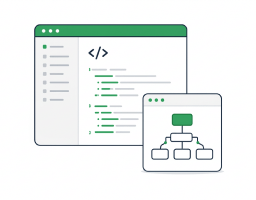
Software
iOS, Android, and Atlassian shape sets.
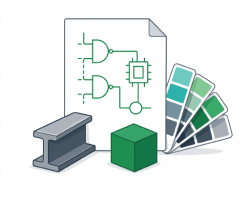
Other
Infographics, electrical & logic gates, material design.
Built for teams
Review diagrams with your team
Share a diagram, choose who can edit it, and keep process questions in the same workspace.

Real-time chat
Discuss a process while you map it, with file sharing and read receipts in team chat.
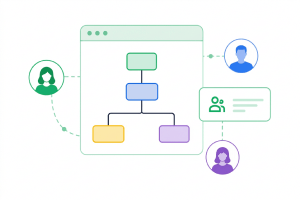
Teams, roles & invites
Invite teammates by email and assign Owner, Admin, or Member access in a shared workspace.

Admin control
Review members, billing, and workspace usage from the team admin dashboard.
Questions
Choosing a diagram solution
See plan limits and pricing on the pricing page, or read the practical guide to value stream mapping.
Map one process your team knows well
Start with the steps, decisions, and handoffs. Review the draft with the people who do the work.
Create your first diagram