
Online diagram maker for flowcharts and process maps
Describe a process, like a purchase approval or employee onboarding flow. Value Charts draws the first draft. Edit the steps, check the decisions, and share it with your team.
Free forever plan available, no credit card required to start.
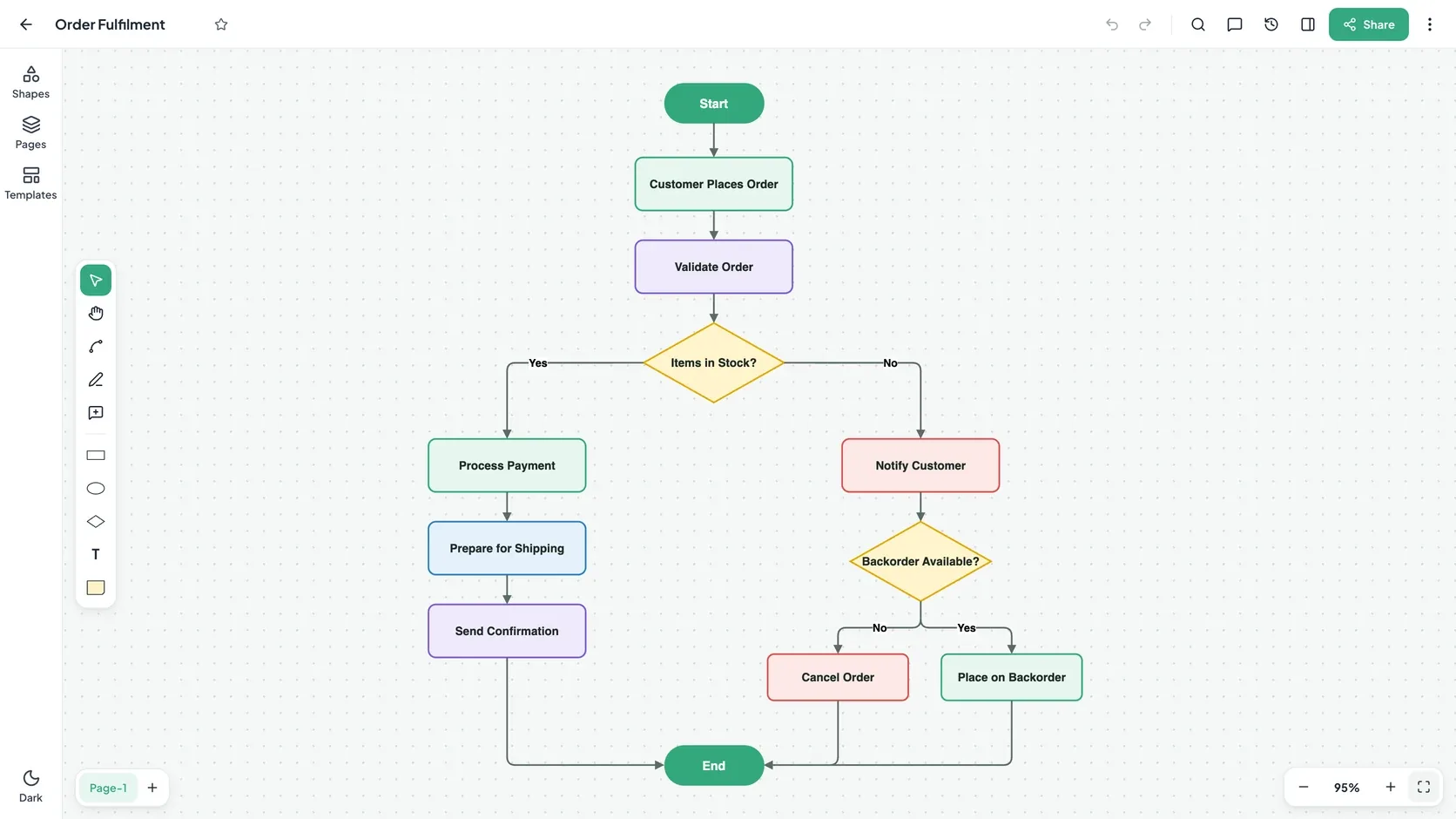
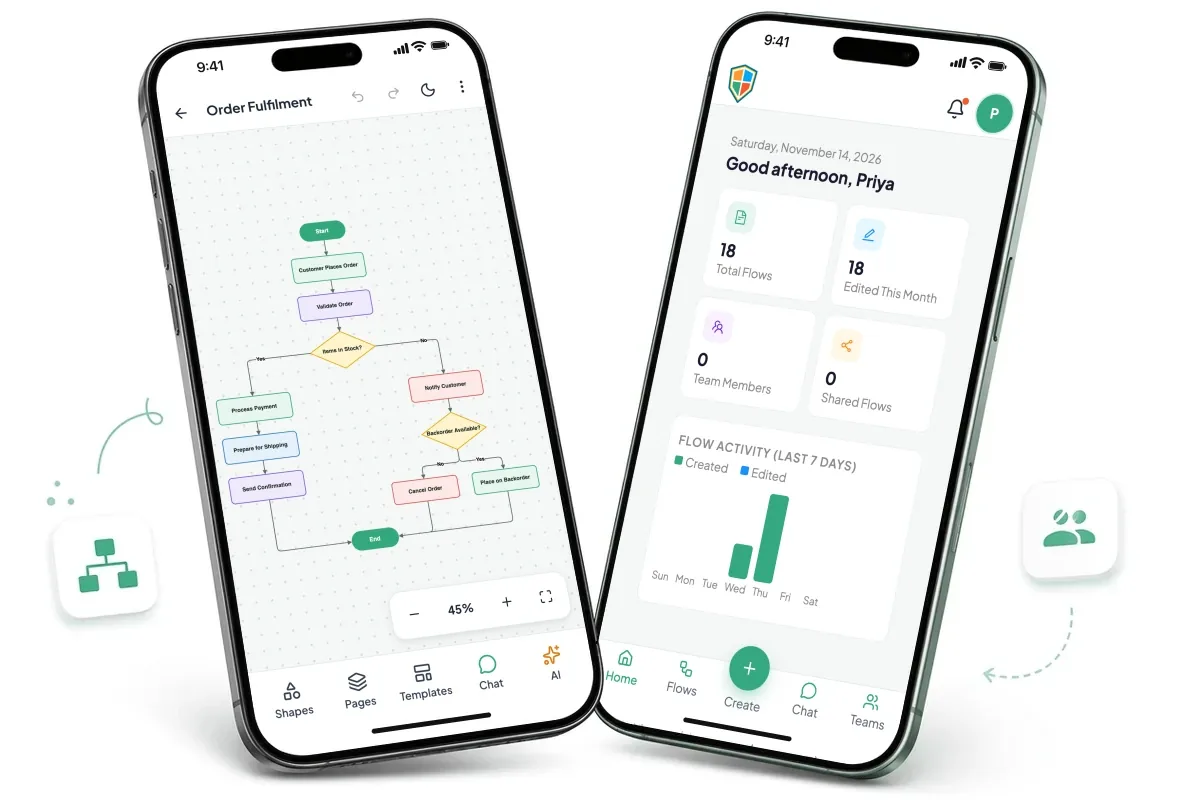
Your diagrams on web, Android and iOS
What is Value Charts?
Value Charts is an AI-powered flowchart creator and diagram maker for mapping how work gets done. Start from a prompt, a template, or a blank canvas. Draw flowcharts, value stream maps, mind maps, BPMN, and UML diagrams, then edit the shapes and connections to match your process.
Built by Value Flow Sweden AB, Value Charts runs on the web, Android, and iOS. Start free with 5 flows and 5 AI credits. Pro starts at $6.99 a month; Team starts at $7.99 per seat per month. Compare plans and limits.
AI built in
Your first draft, drawn by AI
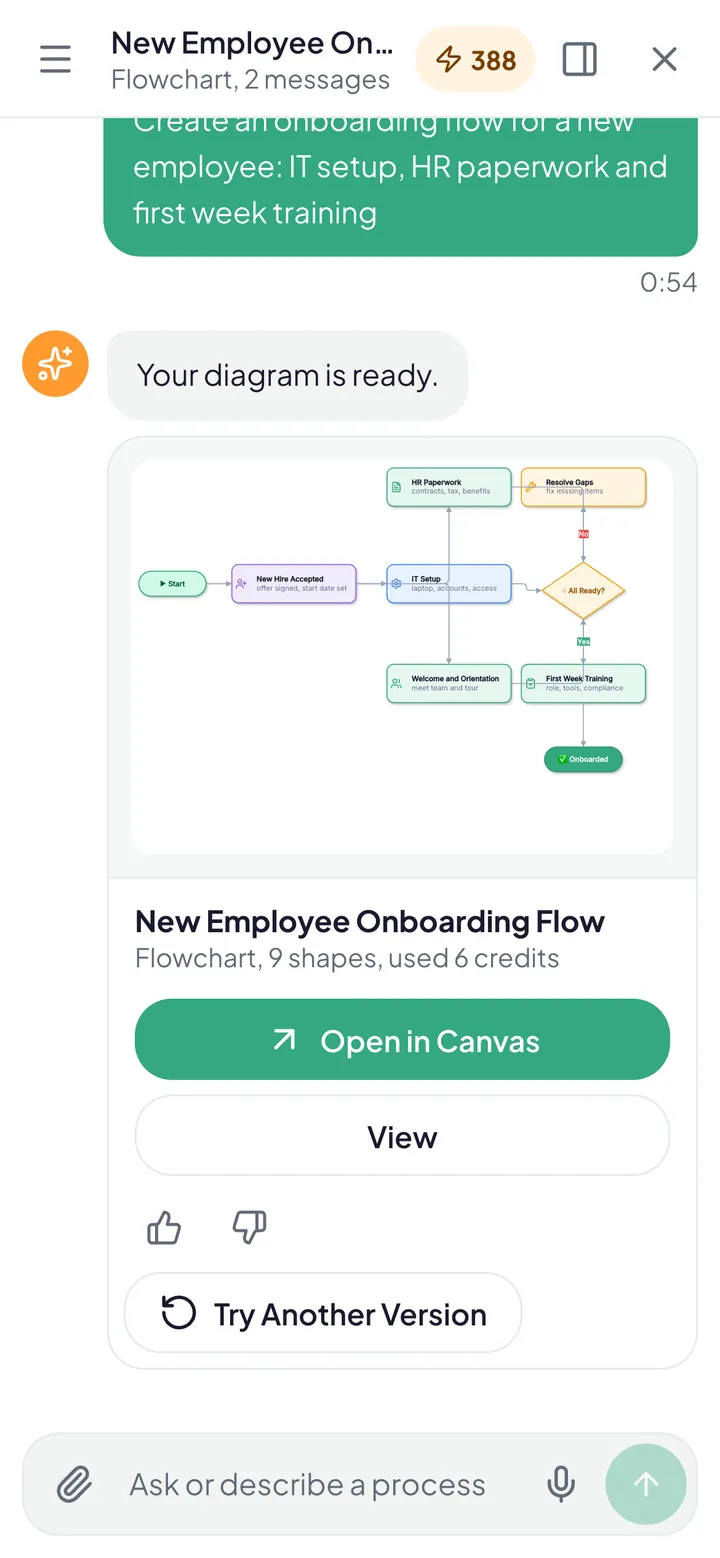
Describe the steps and decisions you know. AI draws a draft on your canvas; you check the logic and fill in what is missing.
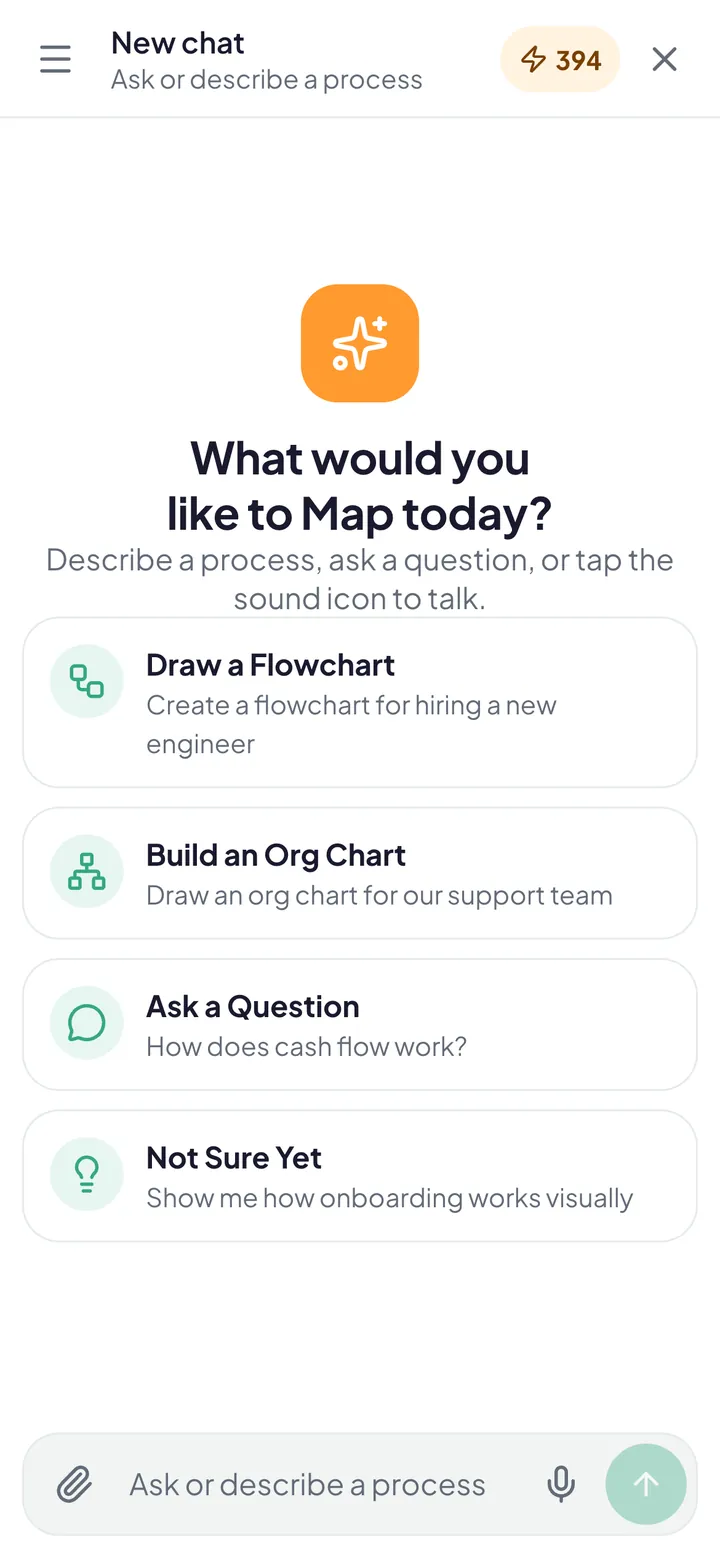
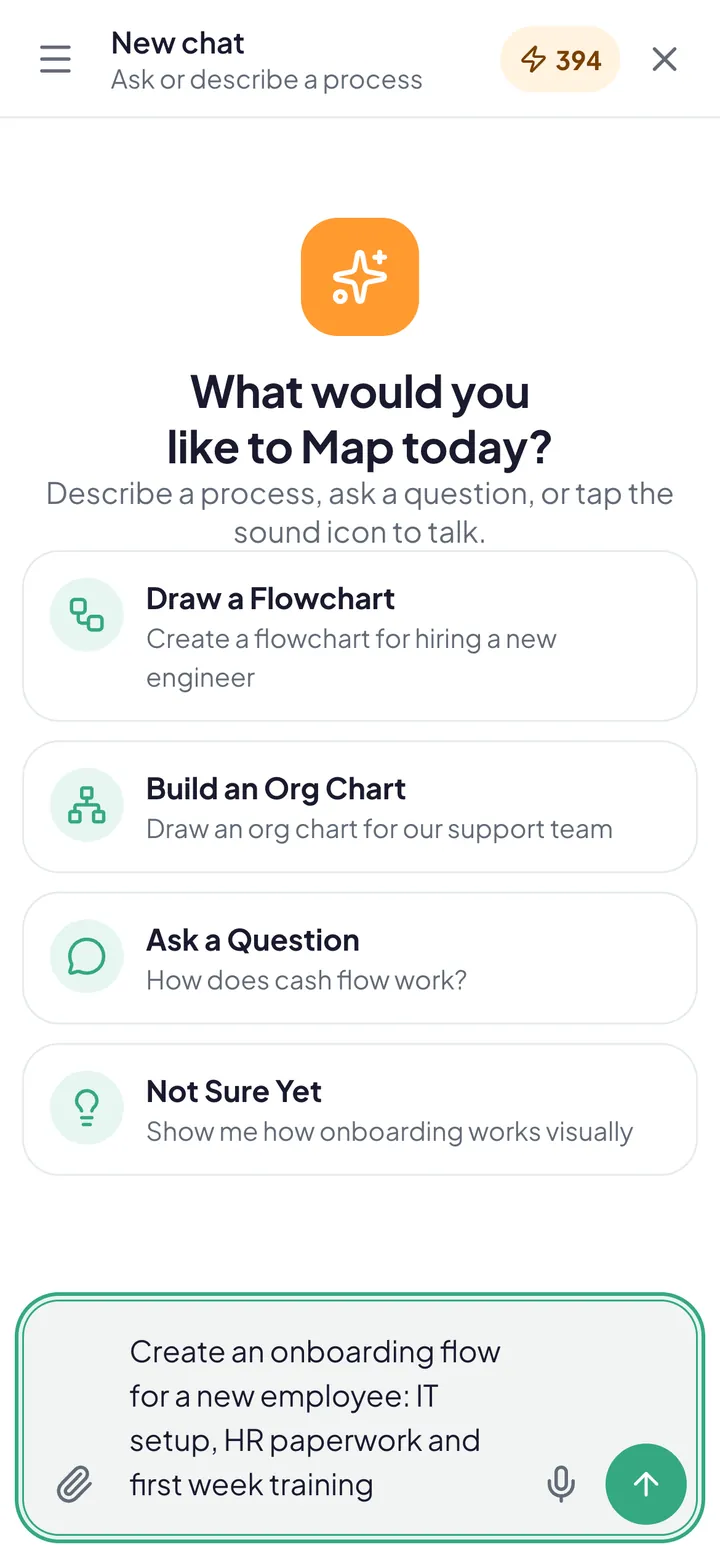
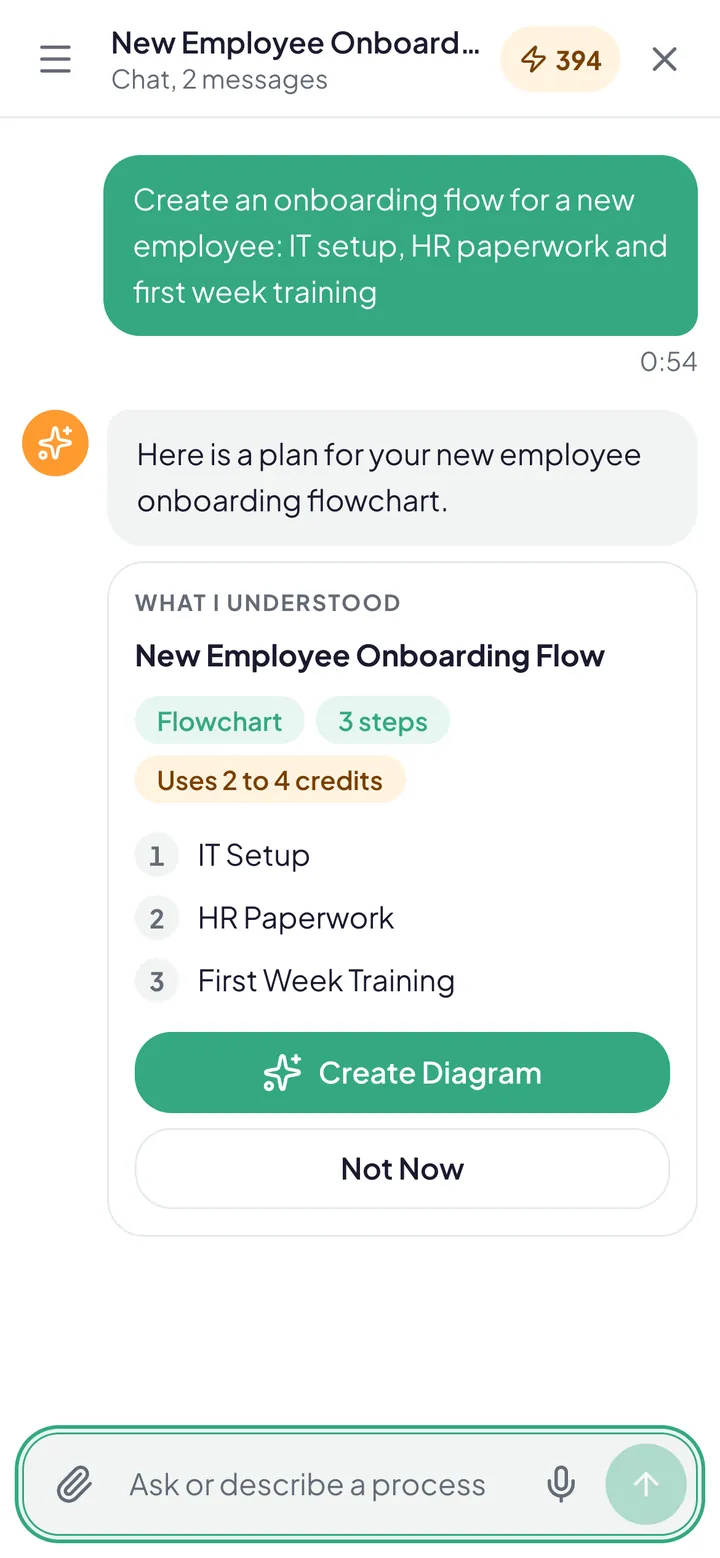
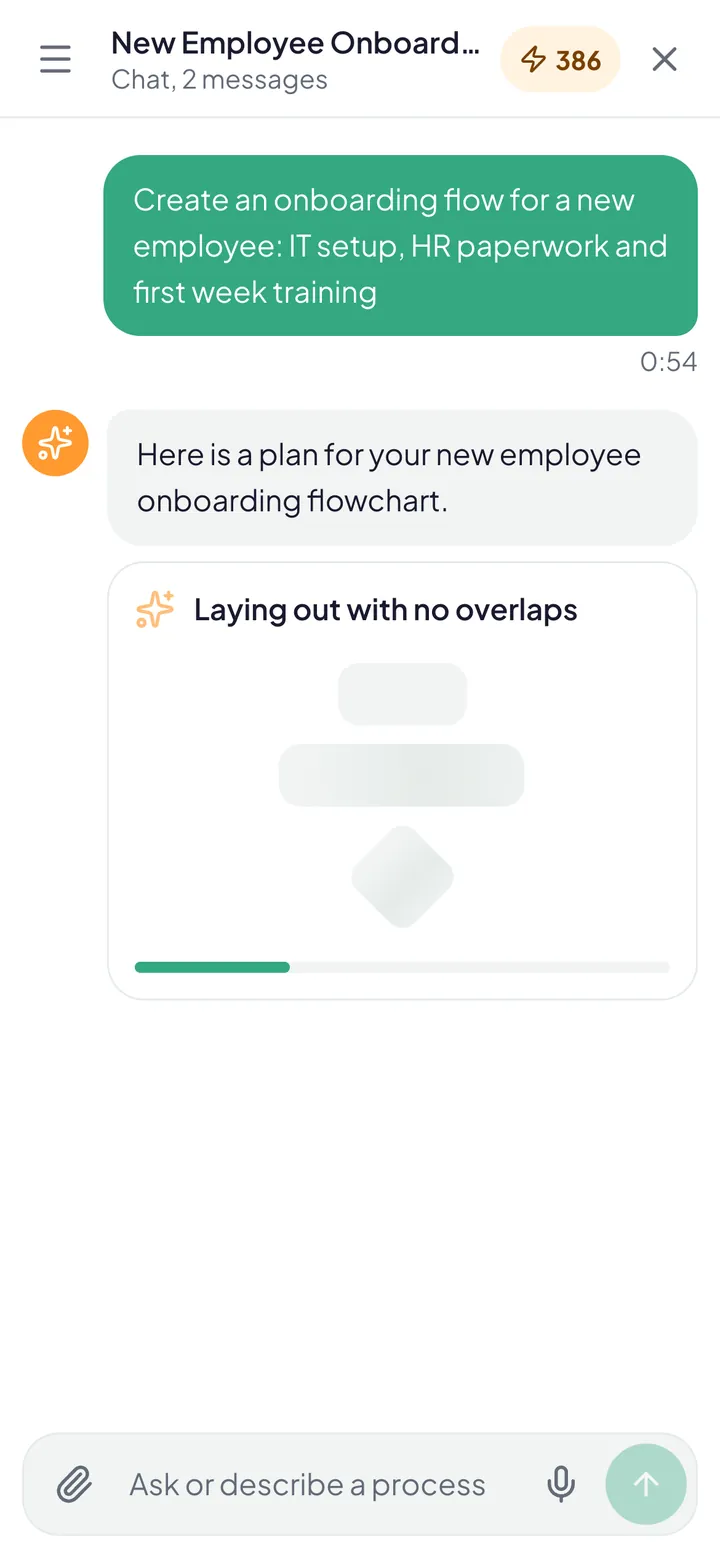
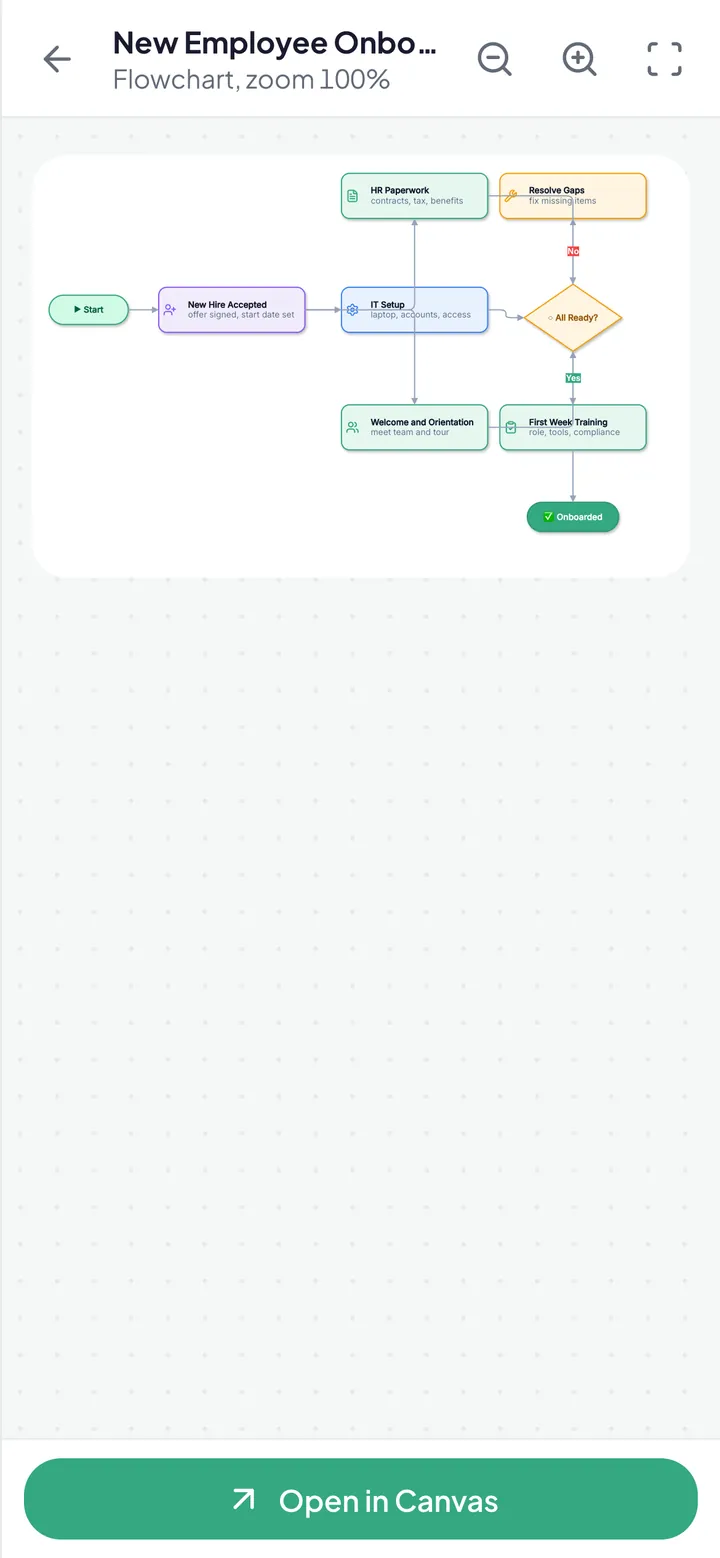
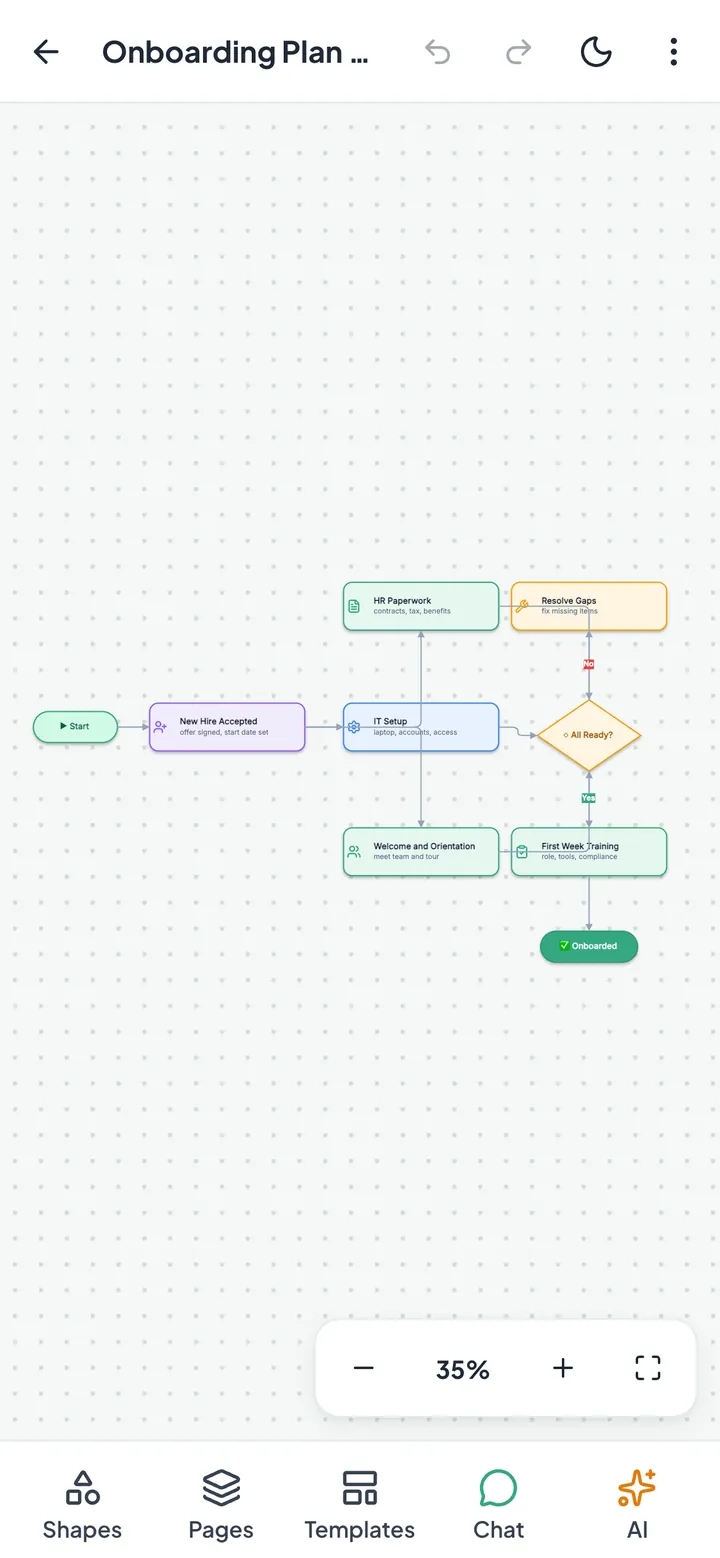
An animated demonstration: a user opens the Value Charts AI assistant and types “Create an onboarding flow for a new employee: IT setup, HR paperwork and first week training”. The assistant shows its plan and the credit cost, the user presses Create Diagram, and a complete onboarding flowchart is drawn and opened in the canvas, where every shape stays editable.
Want to draw one yourself? Try the Editor No sign up needed.
Generate from a prompt
Try a purchase approval flow with a separate path for rejected requests. AI drafts the diagram, and you can edit every shape and connection.
AI Assistant chat
Ask about the diagram you are viewing, then describe what needs to change. The assistant keeps the conversation and shows a credit estimate before generating.
Document to diagram
Upload a PDF or Word document to create a diagram draft. Review it against the source before sharing it with your team.
Plan, Sketch, Build
Start with the diagram your work needs
Sketch an idea, plan a handoff, or map a process. Choose a template when you know the format, or start with a blank canvas.

Get ideas onto the page
Use a mind map to collect ideas and group related thoughts. Move branches as the discussion changes, before committing to a plan.
Make handoffs clear
Draw who does what and what happens next. Use process templates, Gantt charts, or sequence diagrams to make the next review concrete.
Find where work waits
Map the steps from request to delivery with a value stream map. Add your process data so the team can discuss delays using the same picture.
Share the diagram.Keep talking.
A process map is worth reviewing with the people who do the work. Share yours with teammates, give them view or edit access, and use team chat to discuss missing steps and unclear handoffs. Keep the conversation beside the diagram you are reviewing.
Start free
Watch
See Value Charts in action
How it works
From first draft to team review
- 1
Sign up free
Create an account with 5 flows and 5 AI credits to try the editor.
- 2
Choose a starting point
Describe a process for AI to draft, pick a template, or open a blank canvas.
- 3

Check and edit
Check each step and decision. Adjust labels, shapes, and connections to match how the work happens.
- 4
Share your work
Invite teammates to review or edit, publish a time-limited read-only link, or export the diagram.
Key Features
Draw, organize, and review your diagrams
Keep related flows in projects, reuse shapes, and choose how to share each diagram.
Value Stream Mapping
Draw the current process and add cycle times and waiting times. Use the map to agree on where to investigate delays.

Wireframes & Mockups
Wireframes, screens and mockups for web, mobile and software. Share them with the team for feedback.

Real-Time Team Chat
Discuss the work right next to the work: team chat with file sharing and read receipts.
Projects & Organization
Group flows into projects, find anything with recents and search, and restore deleted work from trash for 30 days.

Sharing & Export
Publish a read-only link anyone can open for up to 15 minutes, or up to 3 days with a password. Share flows with teammates as view-only or editable, and export your diagrams to take them anywhere.
Custom Shape Libraries
Build and reuse your own shapes, plus curated libraries for BPMN, AWS, GCP, Azure, Kubernetes, floor plans and electrical diagrams, cloud architecture and network maps included.
Made with Value Charts
See what you can map
Business models, value stream maps, mind maps, org charts, floor plans and more.
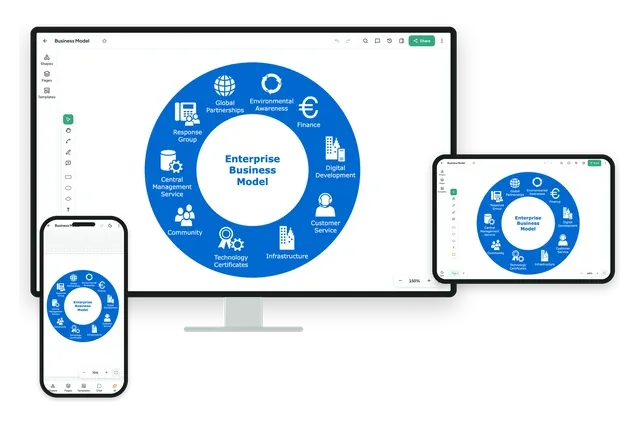
Business Model
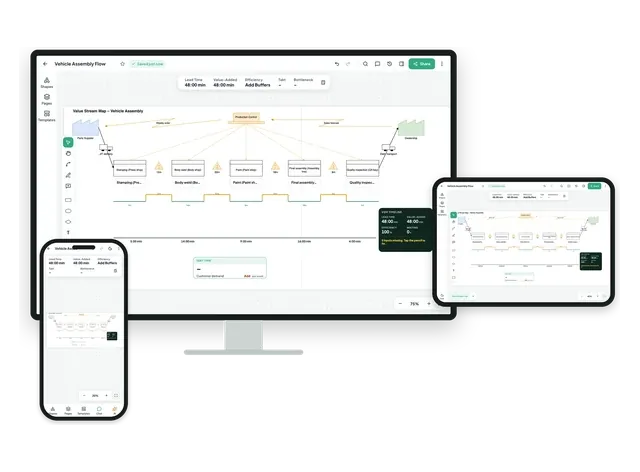
Value Stream Mapping
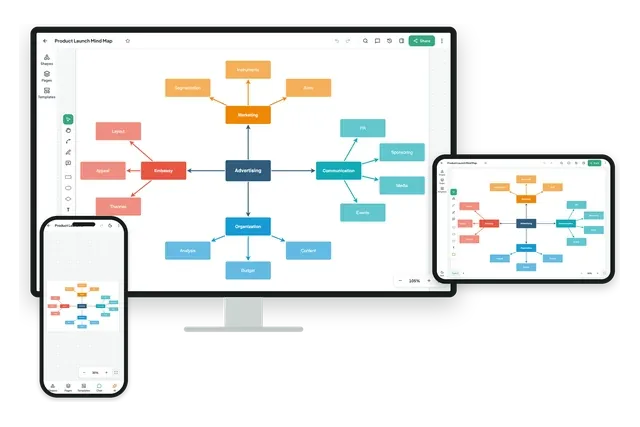
Mind Map
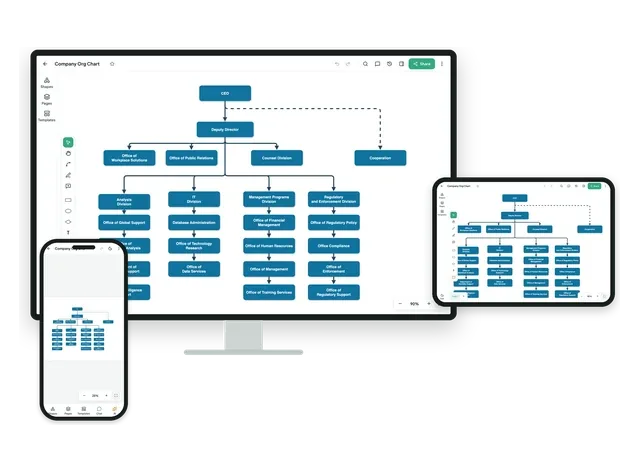
Organizational Chart
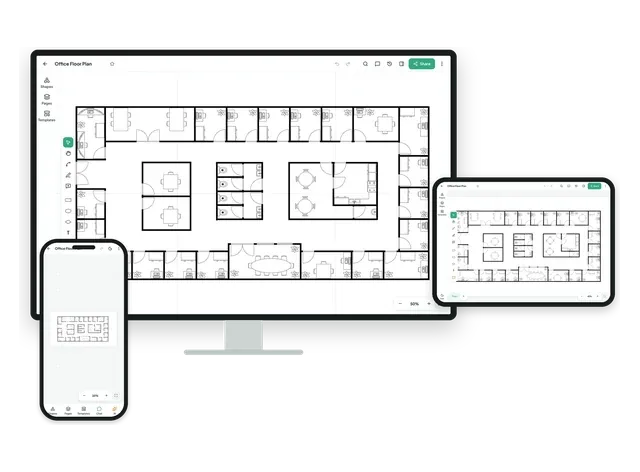
Floor Plan
Pricing
Start free, upgrade when you're ready
Try Free, choose Pro for regular personal use, or get Team for shared work. Compare the flow limits and AI credits below.
Free

No card needed
Best for trying it out
- 5 flows
- 5 AI credits, one-time
- 1000+ templates and shapes
- PNG and JPEG export
Pro Individual
or $69.99/year
Best for individuals
- 20 flows
- 30 AI credits every month
- Sharing and real-time chat
- Every export format
Pro Plus
or $99.99/year
Best for heavy use
- 50 flows
- 60 AI credits every month
- Sharing and real-time chat
- Every export format
Team
or $79.99/seat/year
Best for teams
- Unlimited flows
- 20 AI credits per seat, monthly
- Real-time chat
- Admin dashboard
Ready to map your first flow?
Pick a process you know well. Describe its steps, review the first draft, and make it yours. Start free with 5 flows and 5 AI credits.
Create your first flowFree forever plan • No credit card required • Upgrade anytime