
Employee onboarding
“Map employee onboarding from signed offer to first month. Include HR, the manager, IT, and payroll, and show what happens if equipment is delayed.”
AI flowchart generator
Describe a process, such as employee onboarding or purchase approval. Value Charts drafts the flow on an editable canvas. Review the decisions and handoffs, then change the diagram to match how the work actually happens.
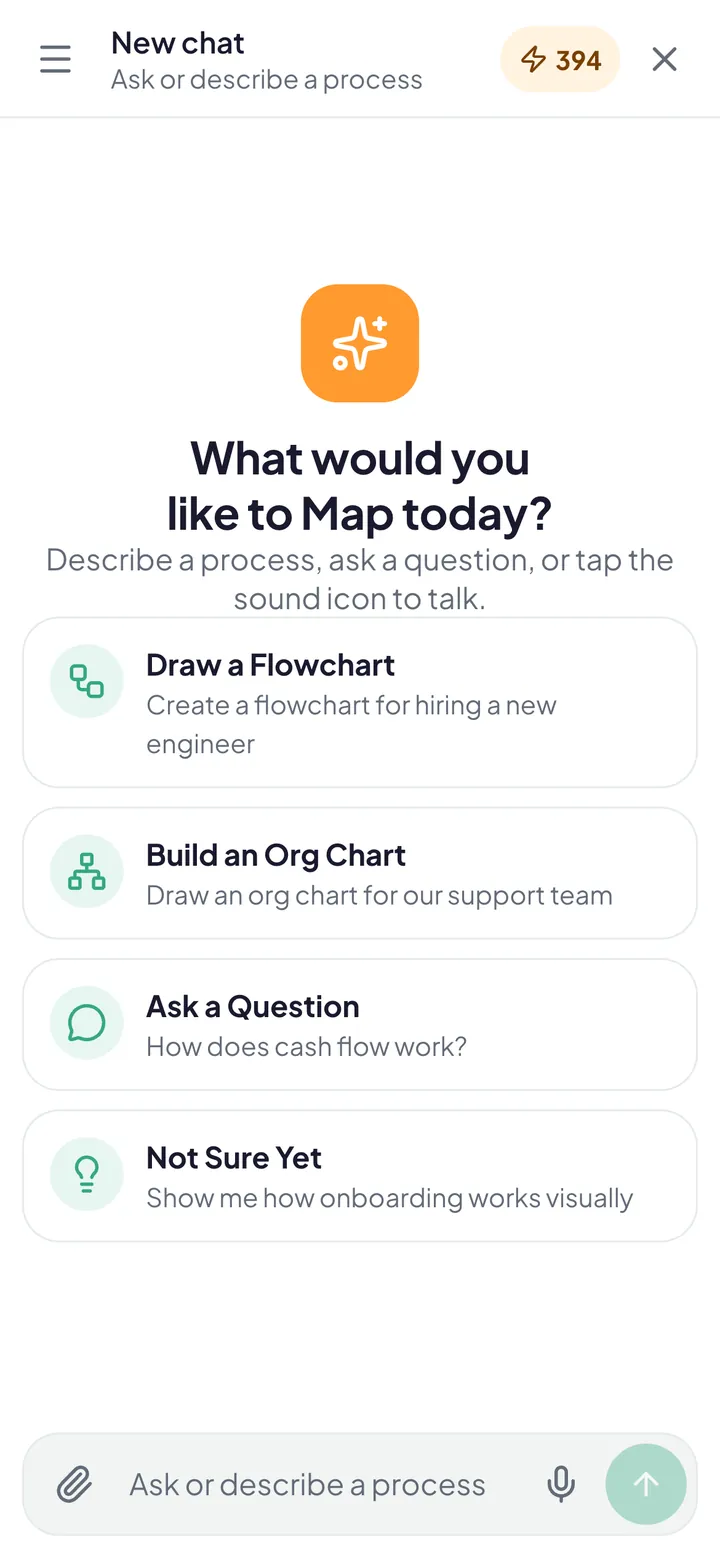
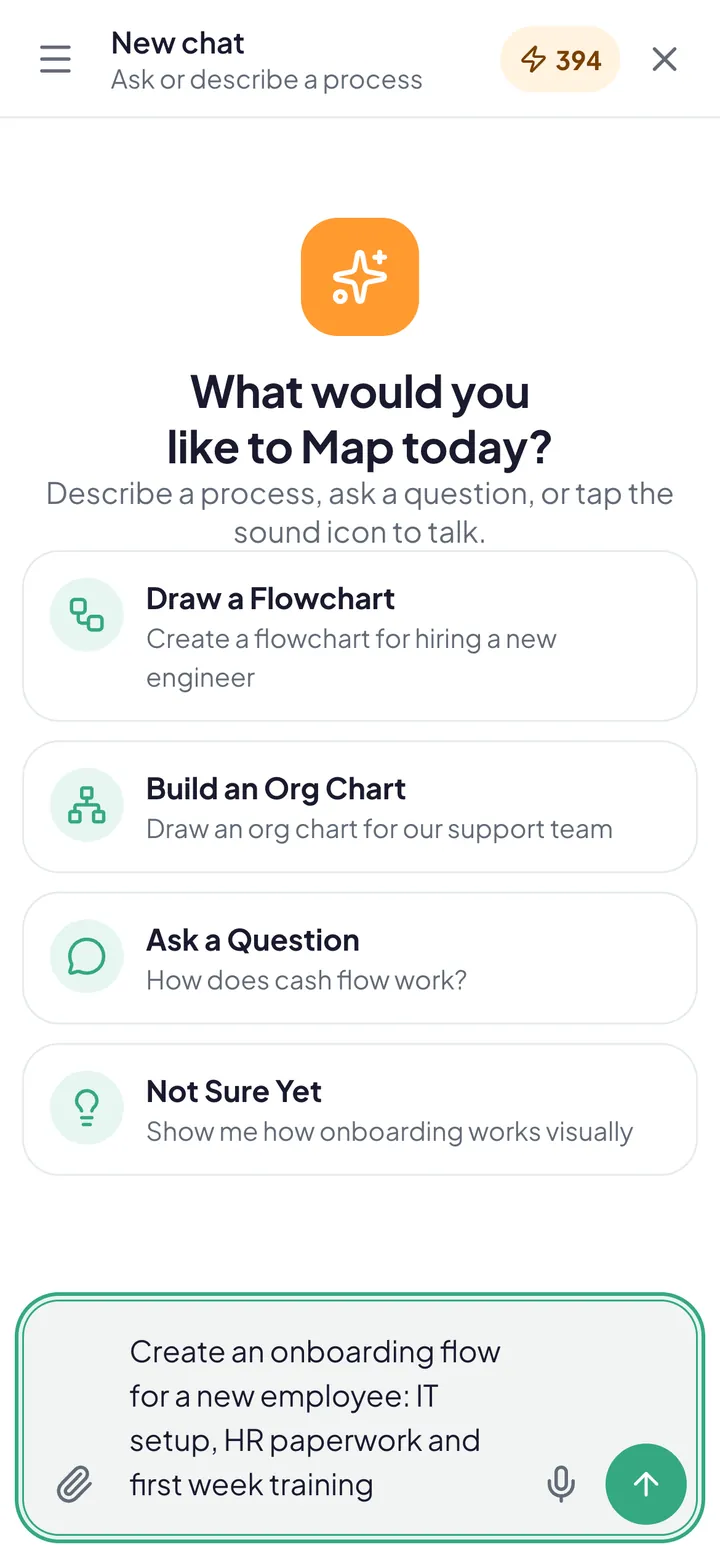
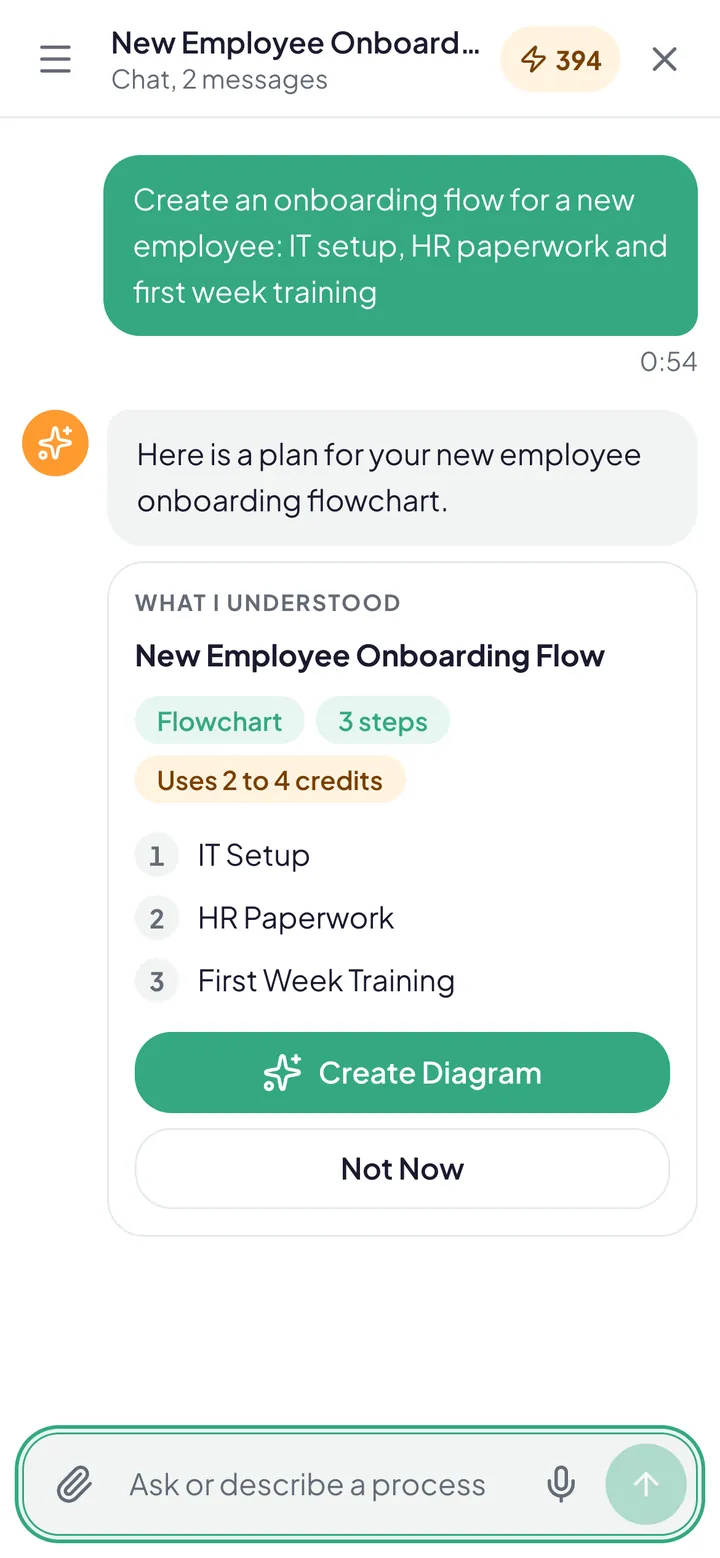
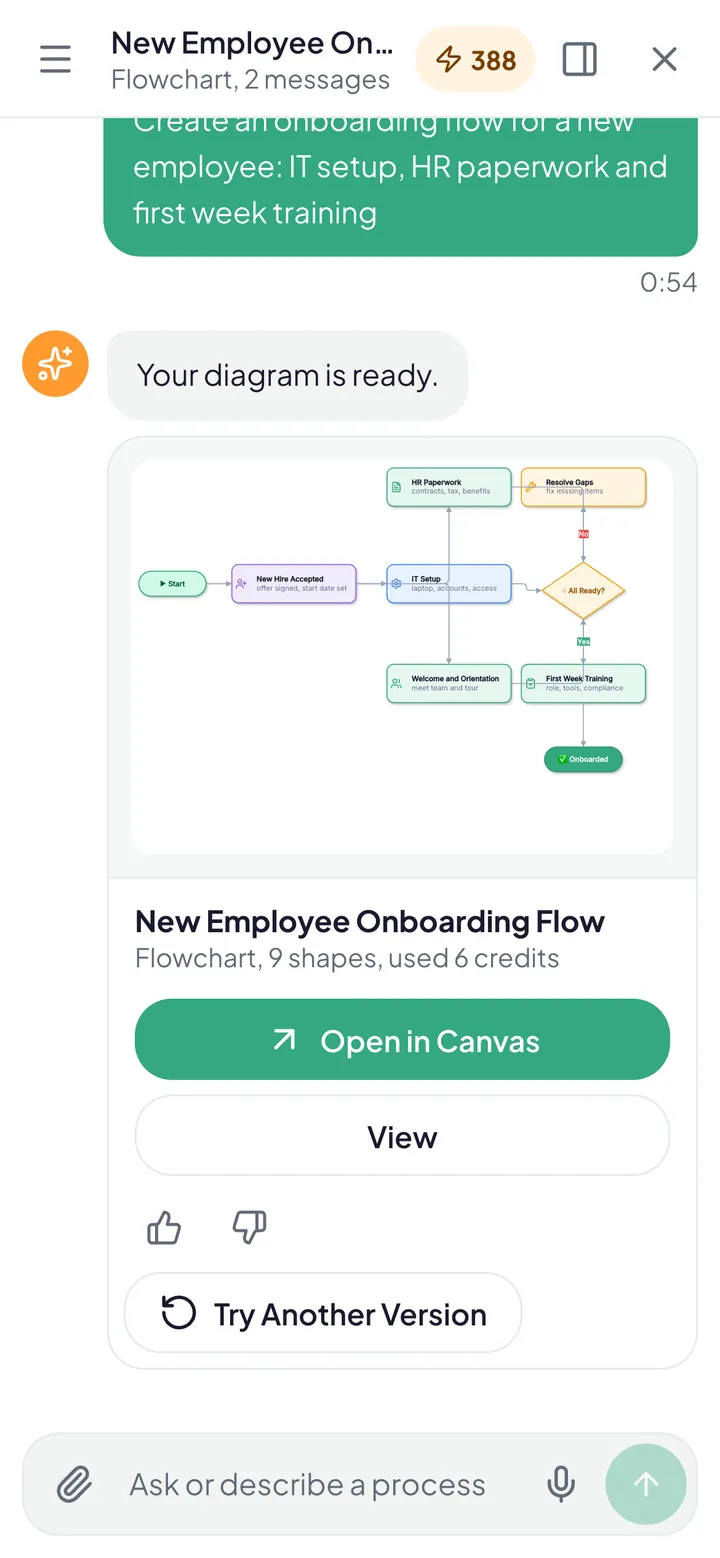
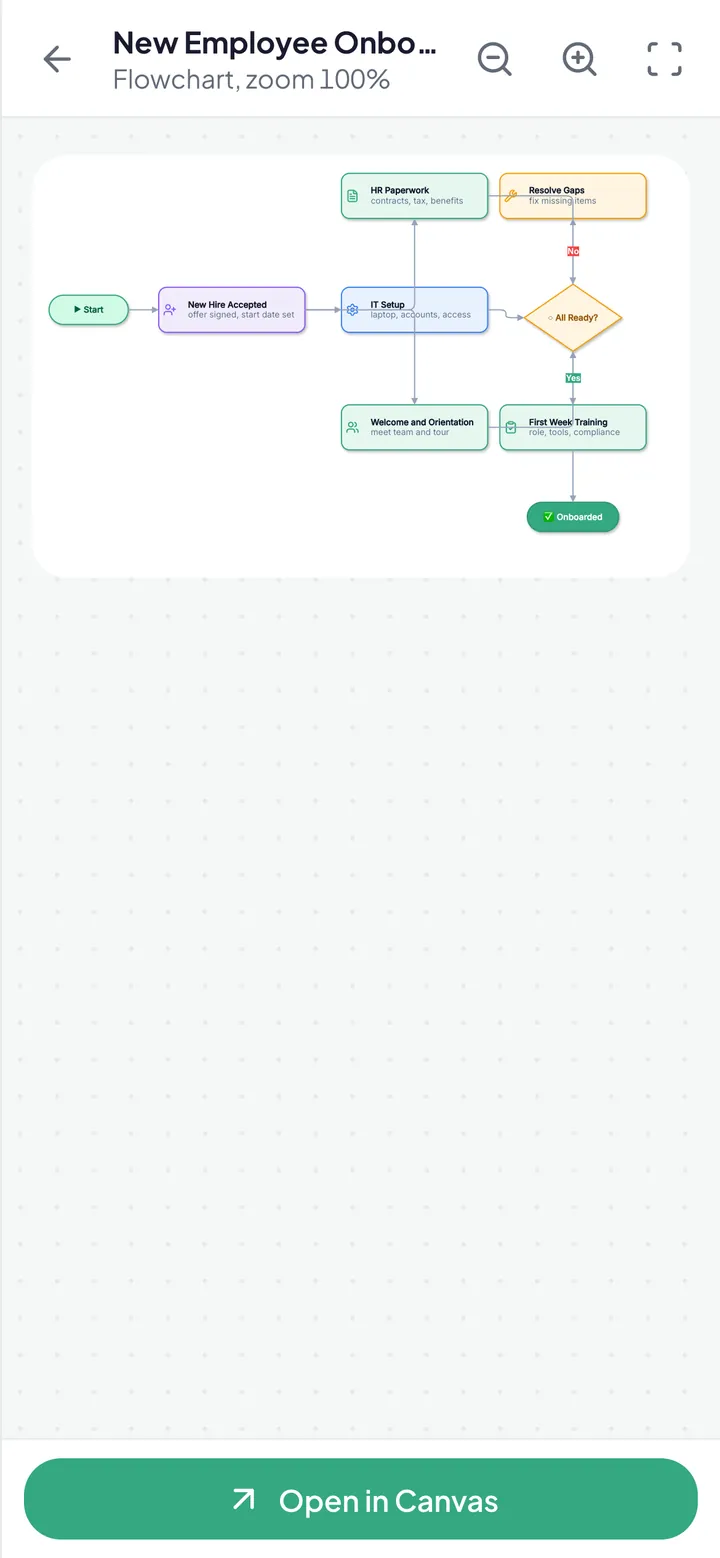
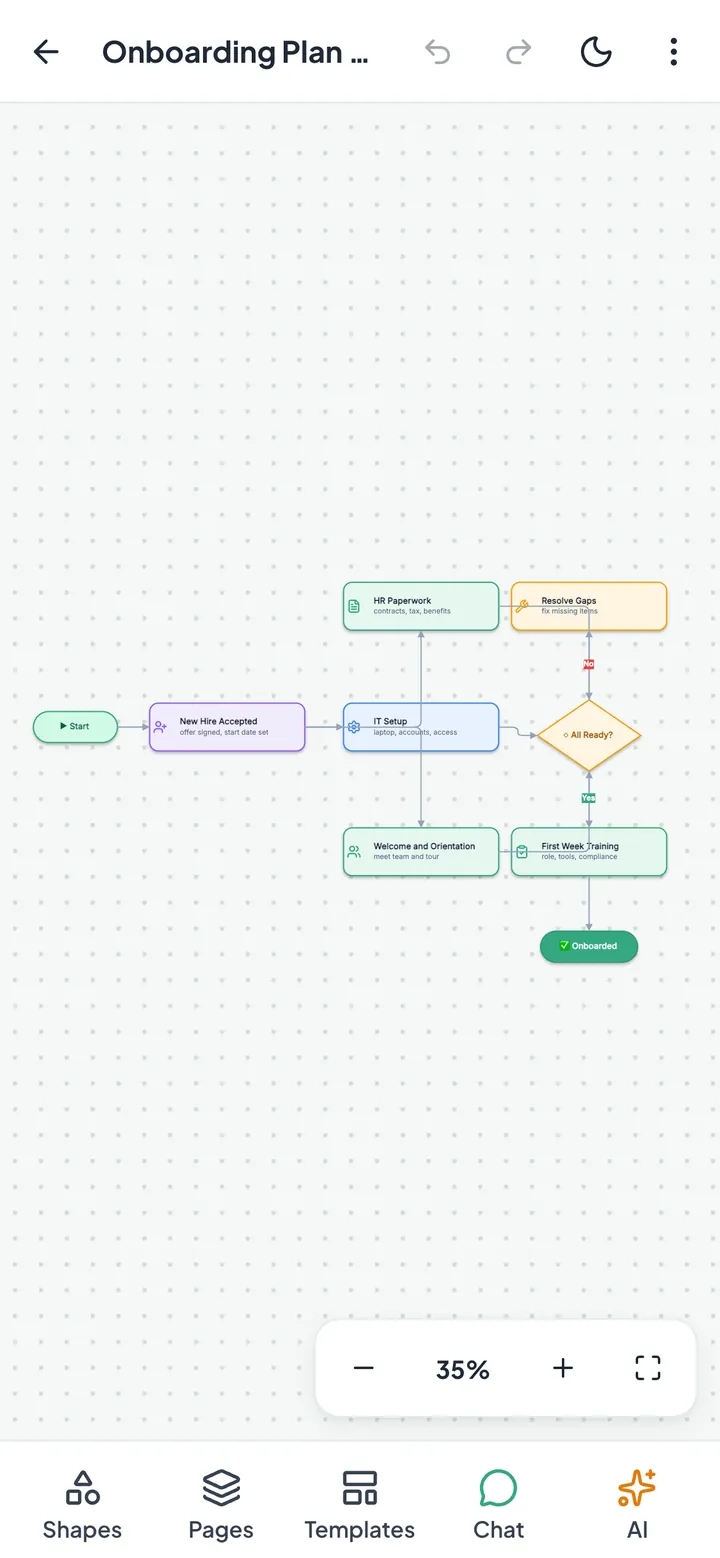
An animated demonstration: a user opens the Value Charts AI assistant and types “Create an onboarding flow for a new employee: IT setup, HR paperwork and first week training”. The assistant shows its plan and the credit cost, the user presses Create Diagram, and a complete onboarding flowchart is drawn and opened in the canvas, where every shape stays editable.
Want to draw one yourself? Try the Editor No sign up needed.
What the AI can do
Describe the process and its important branches. AI creates an editable first draft for you to check and refine.
Ask about the diagram on your canvas, then describe a change. Review the suggestion before keeping it.
Create a diagram draft from a PDF, Word file, or plain text. Check details against the source before sharing.
Credit use depends on the generation. See the estimate before you generate and check your remaining balance in the app.
Prompt examples
Name the people or teams, the decision points, and any exceptions you already know. Leave unknown measurements for the people doing the work to confirm.
“Map employee onboarding from signed offer to first month. Include HR, the manager, IT, and payroll, and show what happens if equipment is delayed.”
“Draw a purchase approval flow for requests under and over $5,000, with manager and finance decisions and a rejection path.”
“Map how a support ticket moves from intake to resolution. Separate urgent incidents from routine requests and show escalation to engineering.”
“Draft a current-state value stream map for an online order, from checkout to delivery. Leave cycle time and waiting-time values for the team to confirm.”
AI can suggest a structure, but it cannot verify that the diagram matches your workplace. Check the generated steps and decisions with the people who own the process.
AI credits
Credits scale with diagram complexity: a simple flowchart costs a few, a large value stream costs more. Run out and you can top up any time.
| Plan | Price | AI credits |
|---|---|---|
| Free | $0 | 5 included (one-time) |
| Pro Individual | $6.99 / month | 30 every month |
| Pro Plus | $9.99 / month | 60 every month |
| Team | $7.99 / seat / month | 20 per seat / month, pooled (e.g. 5 seats = 100) |
| Pack | Price |
|---|---|
| 50 credits | $5 |
| 100 credits | $8 |
| 200 credits | $15 |
Buy a pack any time from your subscription page, on any plan, including Free. The bigger the pack, the cheaper each credit.
See the full plans on the pricing page.
How it works
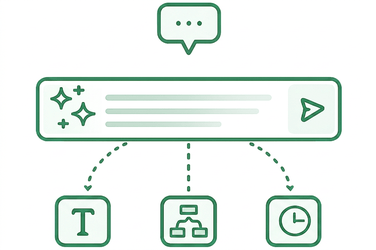
Describe the process or structure you want to map, including the steps and decisions you already know.
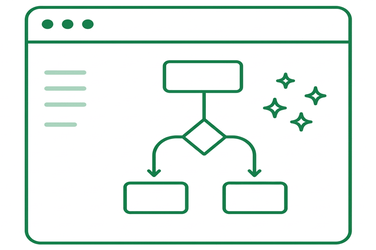
AI places an editable first draft on your canvas. Check its steps against the real process.
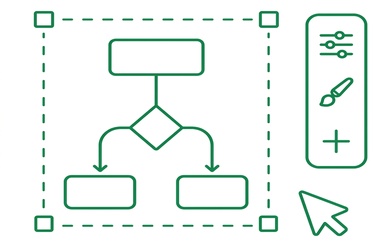
Edit the labels, shapes, and connections. Add details the prompt could not know.
Questions
See included credits and plan details on the pricing page.
Get an editable first draft, then check it against the real work. Free includes 5 AI credits.
Create a diagram draft