
Can you really make diagrams on your phone?
Yes, but not for the same jobs as a laptop. Drawing a forty-node architecture diagram with your thumbs is a bad idea, and no app fixes that. Reviewing a diagram, fixing a wrong label, showing a process to someone in a corridor, or capturing an idea before it evaporates are all genuinely better on a phone, because the phone is the device you have.
The useful question is not "can this tool run on mobile?" but "which parts of my diagramming work actually belong there?"
What mobile is genuinely good for
- Capture. The gap between having an idea and being at a desk is where most ideas die. Three boxes and two arrows on a phone preserves the thought; you can make it presentable later.
- Review and comment. Reading a diagram and reacting to it is a consumption task, and phones are good at consumption. Approving a process change should not require opening a laptop.
- Showing. Turning your screen toward someone is the fastest way to resolve a disagreement about how a process works.
- Small corrections. A wrong name, a missing arrow, a step in the wrong order. These are thirty-second fixes that otherwise wait three days for someone to be at a computer.
What it is not good for
Being honest about this is what makes the rest credible.
Initial layout of anything large is a desktop job: precise positioning needs pointer accuracy that touch does not provide. So is detailed styling, and so is any task requiring several panels visible at once. If a tool claims full parity with desktop on a 6-inch screen, it is either overstating, or its desktop experience is limited.
Tablet is the underrated middle
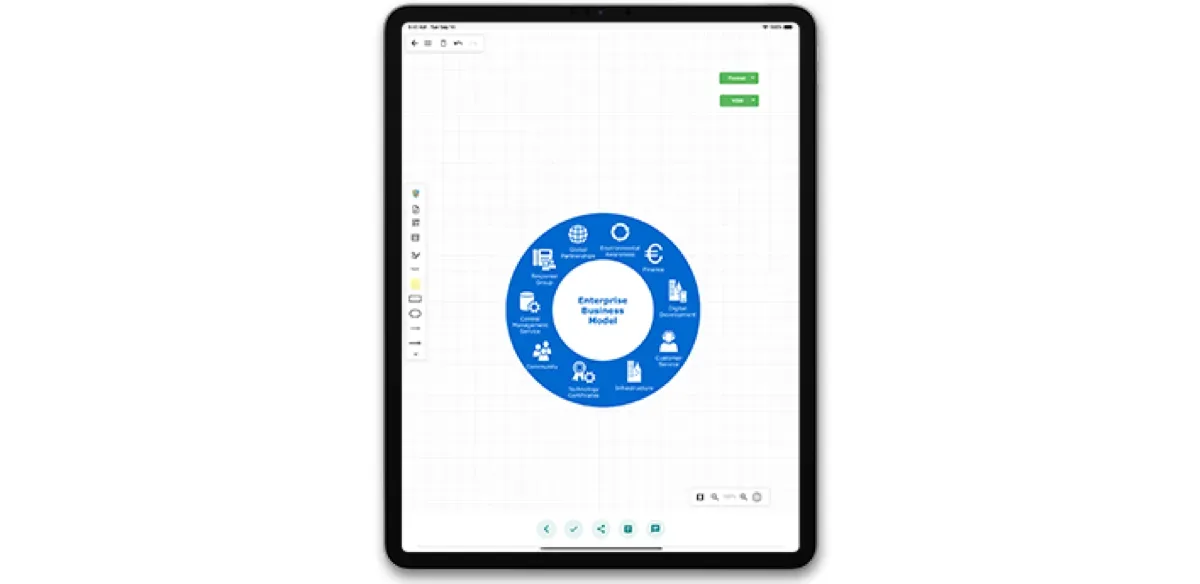
A tablet with a stylus is a genuinely different proposition from a phone. There is enough canvas to lay out a real diagram, and a stylus restores the precision that fingers lack. For workshops in particular (sketching a process with people around a table, then tidying it into a proper diagram), it is arguably the best format of the three.
What actually matters in a mobile diagram tool
- The same diagram, not a cut-down copy. If mobile edits live in a different format or a separate file, you now have two versions of the truth and a merge problem.
- It works when the connection does not. Trains, basements, aeroplanes. This is where phone-shaped work actually happens.
- Real gestures. Pinch to zoom, two-finger pan, long-press to select. Touch targets sized for fingers rather than a scaled-down mouse cursor.
- A real app, not a shrunken website. A responsive web page and a native app are different things: the app gets proper gesture handling and notifications when a teammate changes something.
How Value Charts handles it
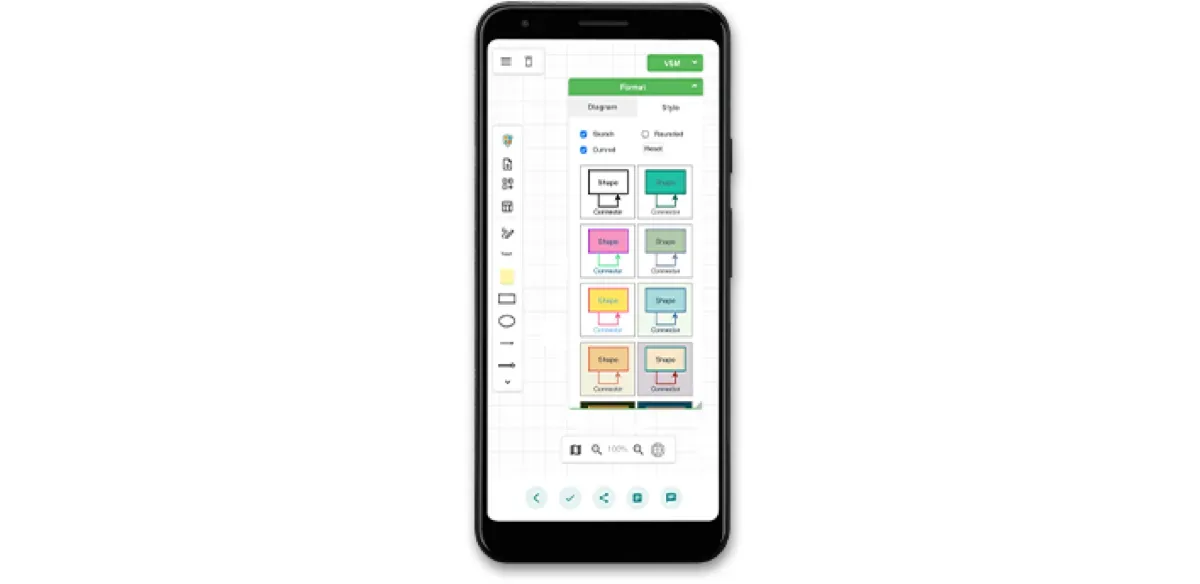
Value Charts runs in any modern browser and has native apps on Google Play and the App Store. The same diagram syncs across every device, so a correction made on a phone is simply the current version when you next open a laptop. There is no mobile copy to reconcile.
The AI generation works on mobile too, which changes the arithmetic more than it first appears: describing a process in a sentence is a task phones are excellent at, even though drawing that process by hand is a task they are bad at. You can dictate a flow on the way to a meeting and tidy it up afterwards.
If you want to try it, the free plan needs no credit card. You can also see how the AI generation works or browse the template library first.
Turn this into a real diagram
Describe what you need and Value Charts draws it, free to start, no credit card required.
Try For Free